Tech Resume Templates & Examples for IT and Engineering Roles

97 free, editable IT and engineering resume templates across Software Engineering, Data & AI, Cloud & DevOps, CyberSecurity, IT & Networking, Product and more. It’s interactive: insert a few specifics and download as .pdf.

4.9 5.0
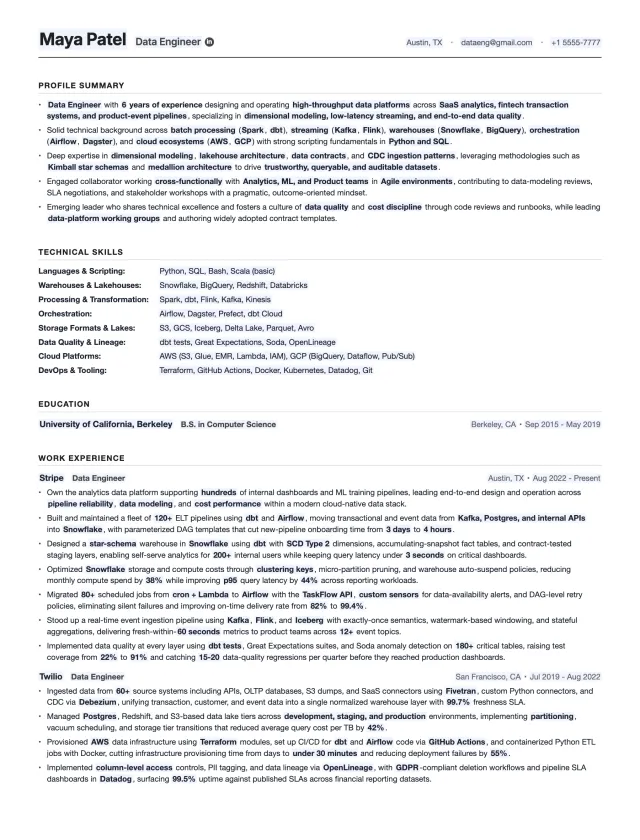
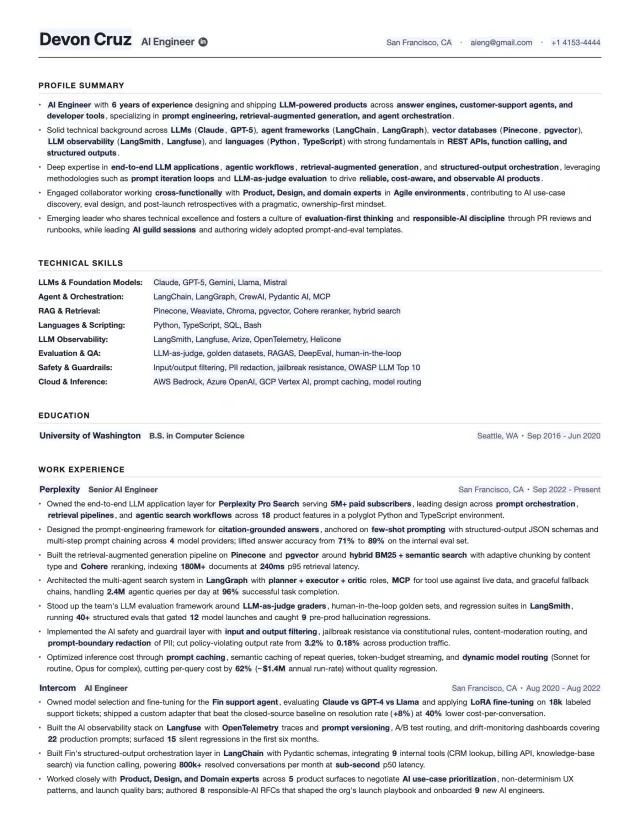
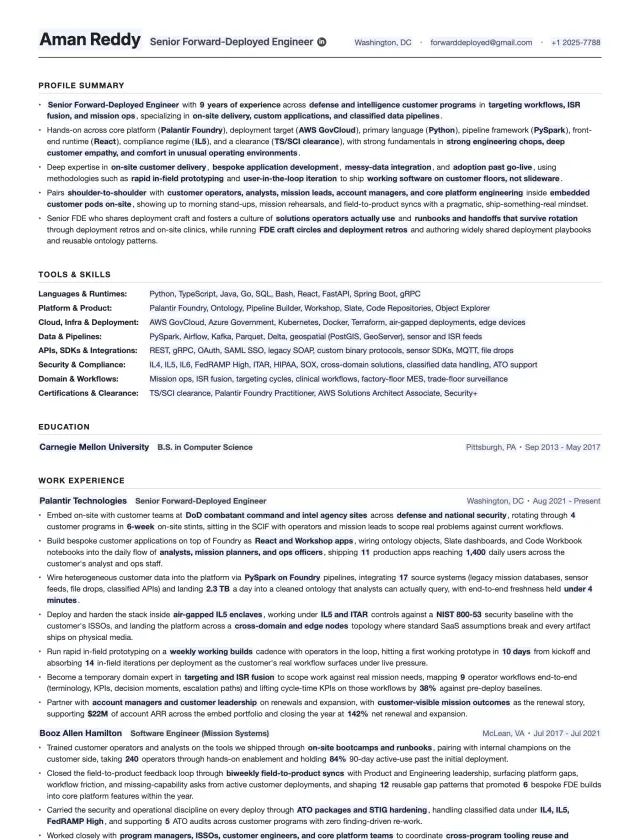
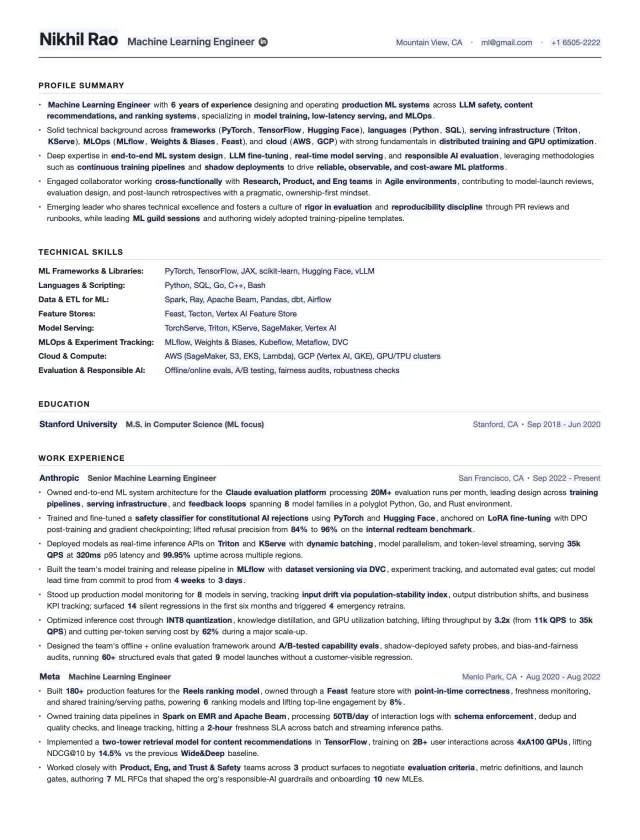
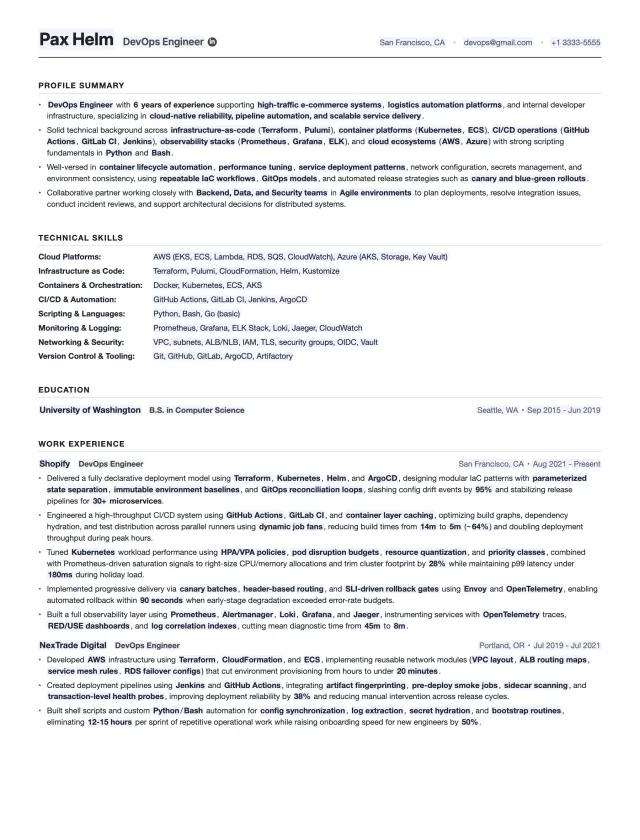
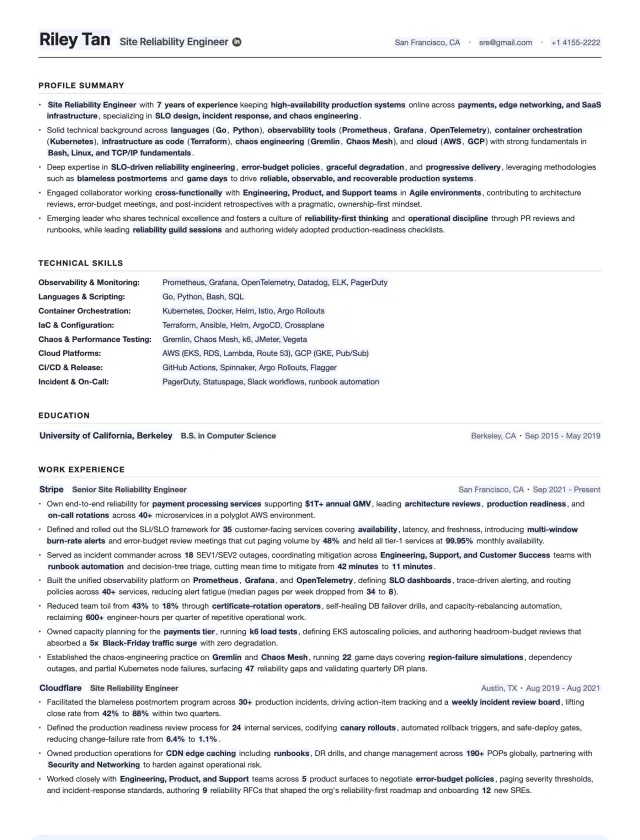
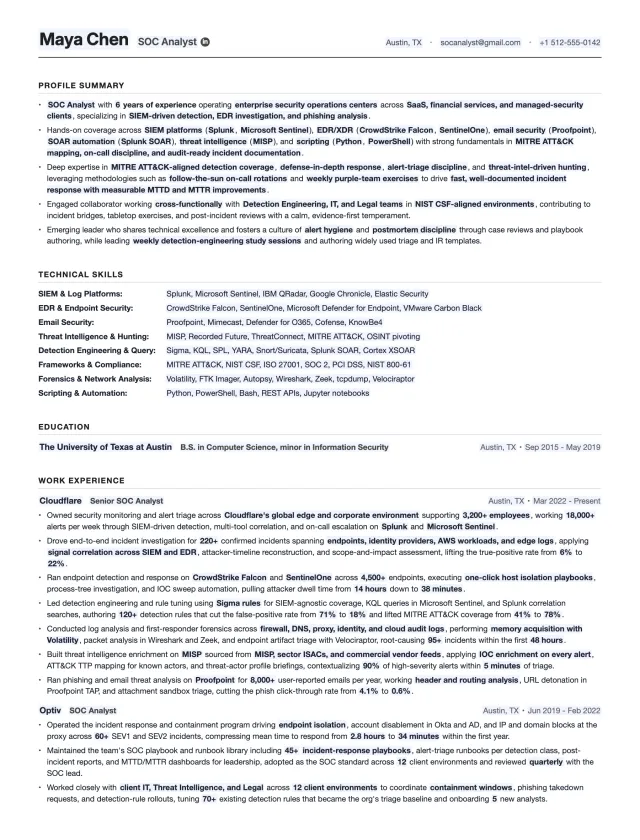
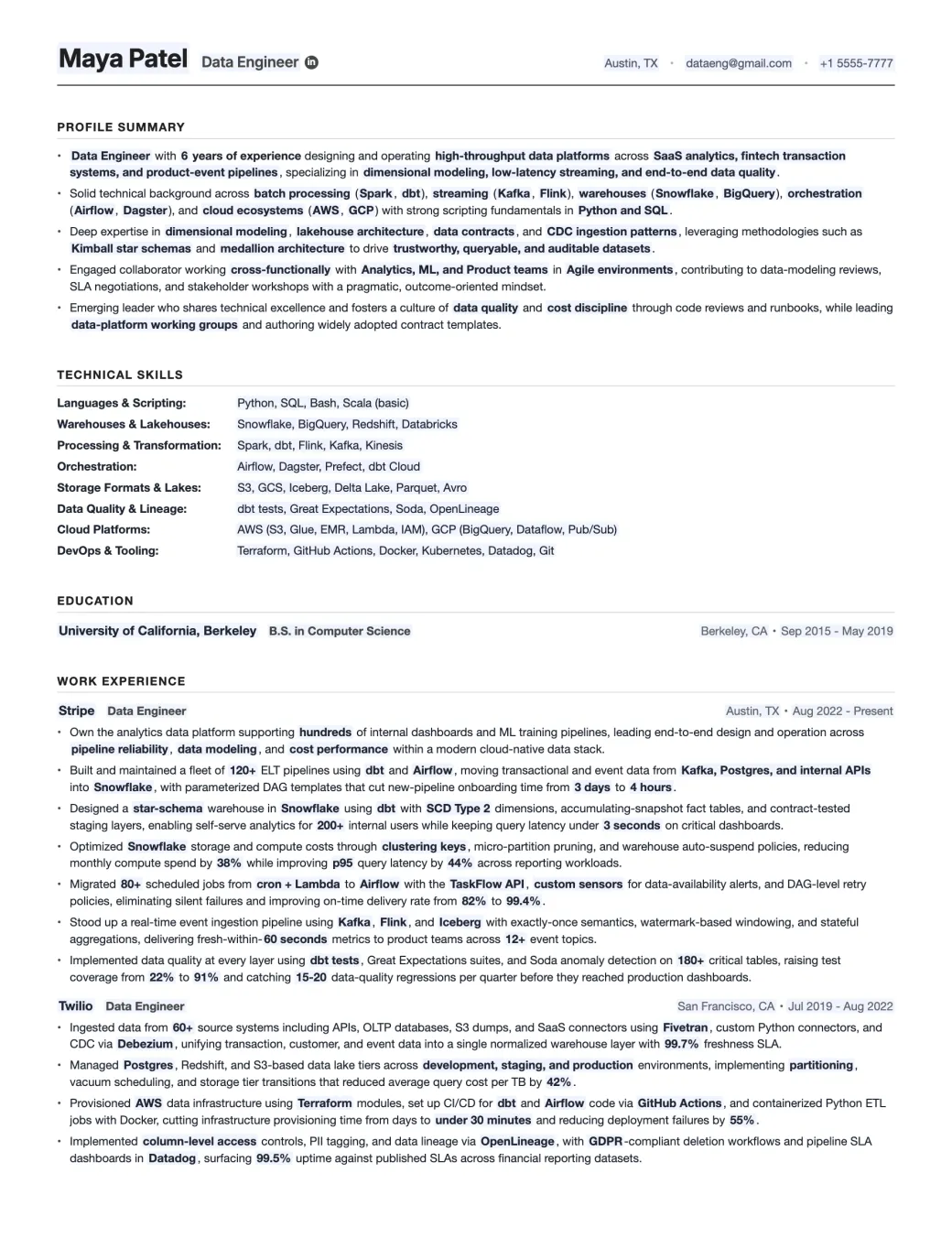
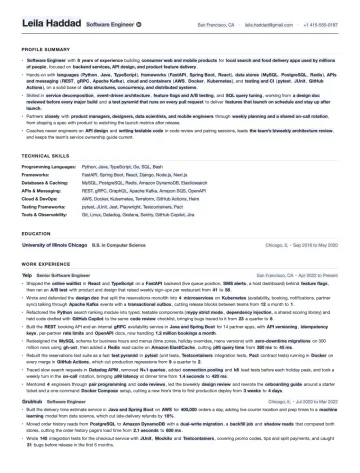
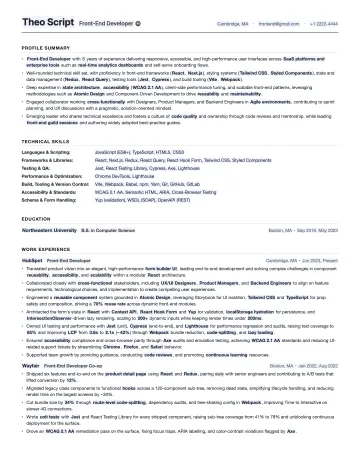
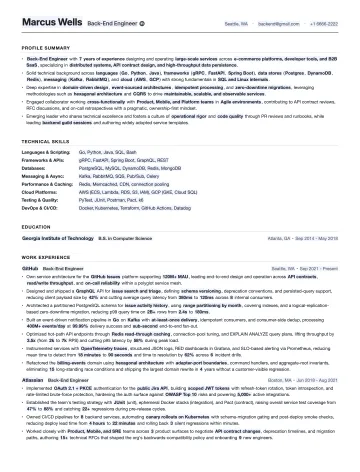
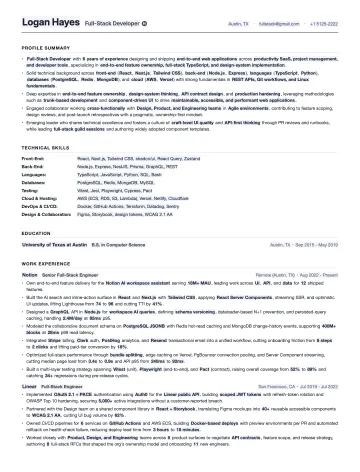
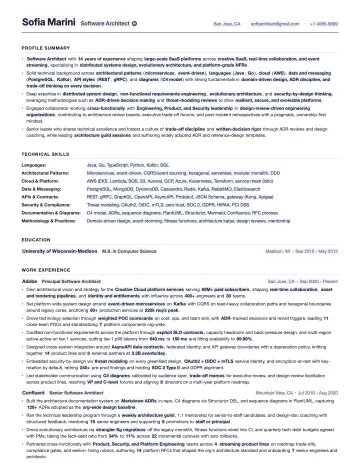
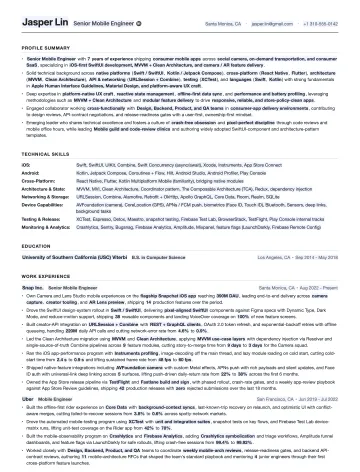
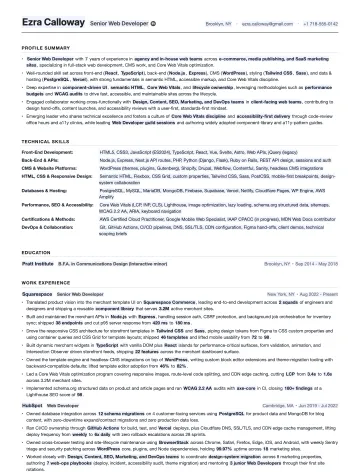
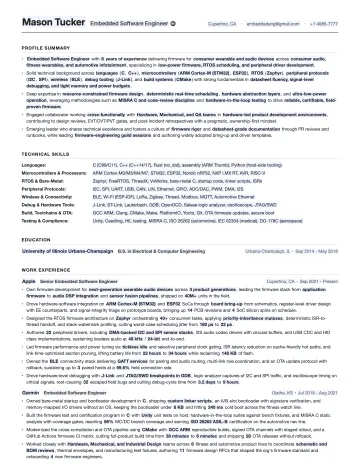
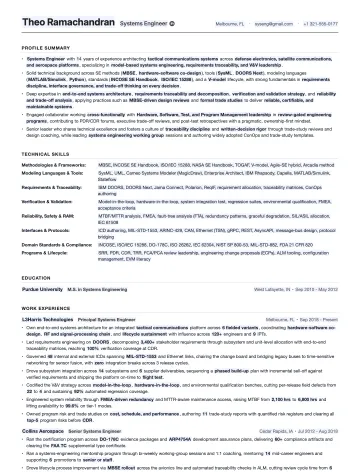
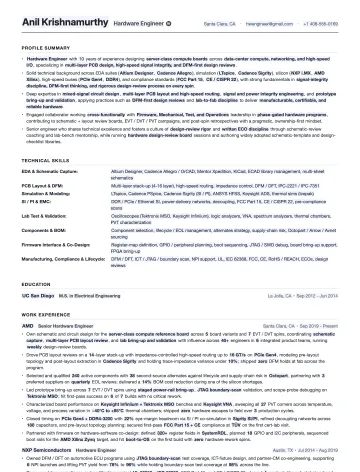
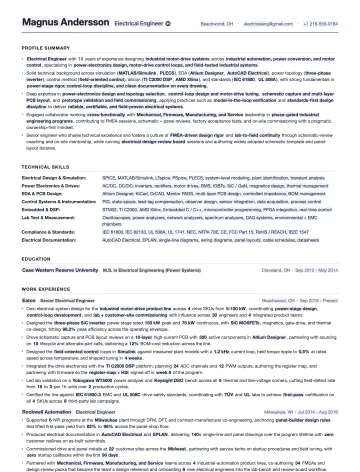
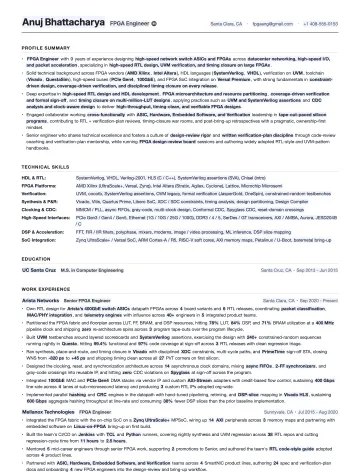
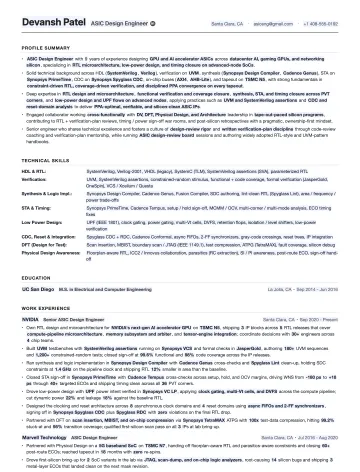
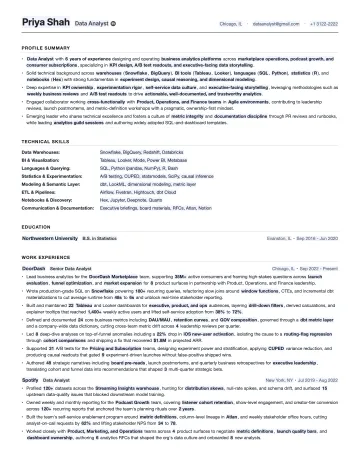
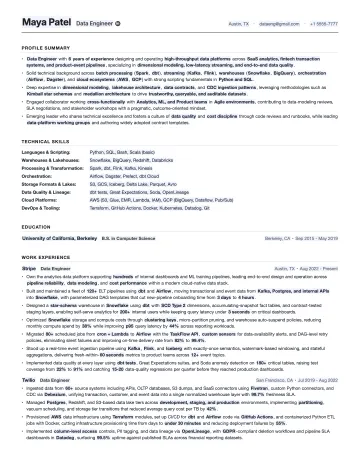
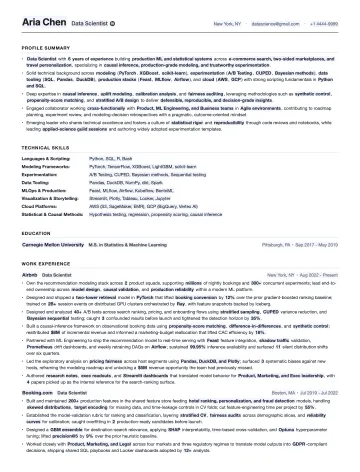
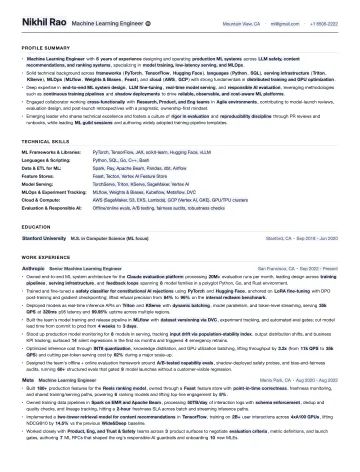
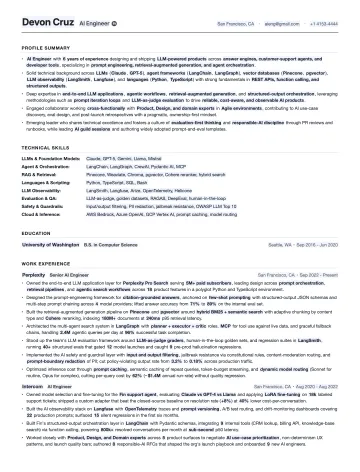
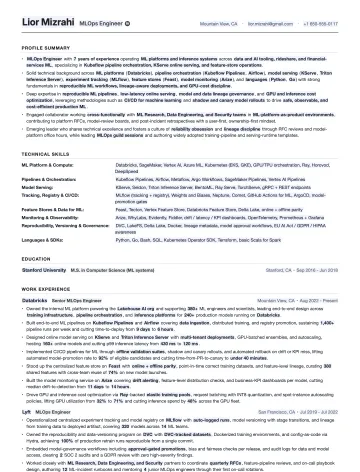
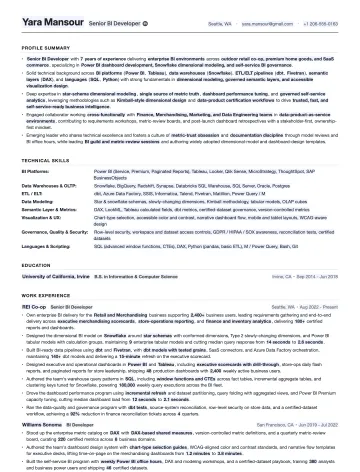
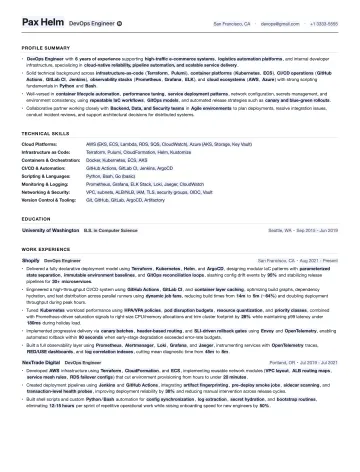
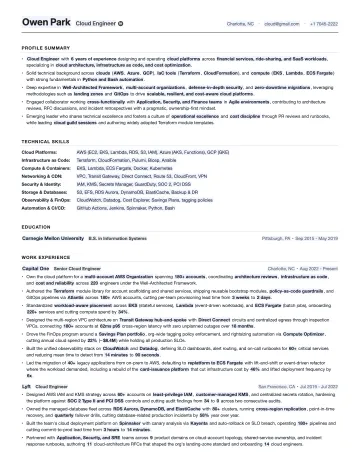
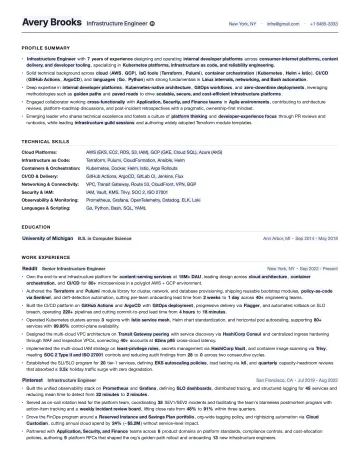
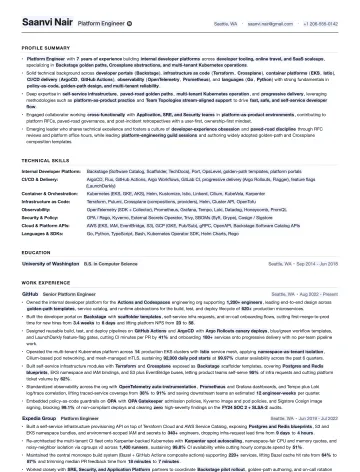
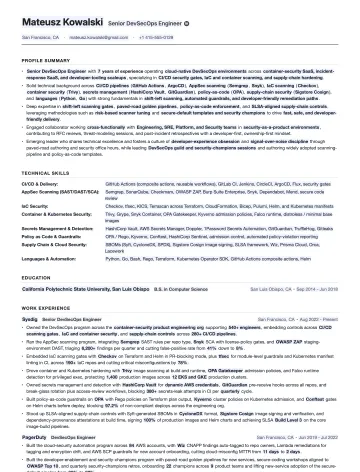
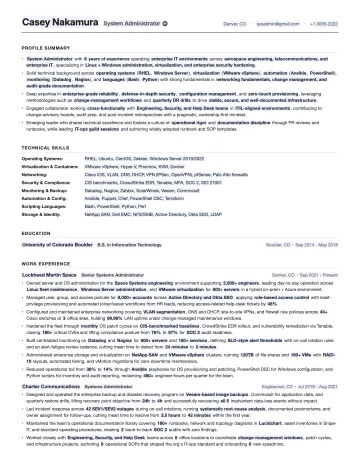
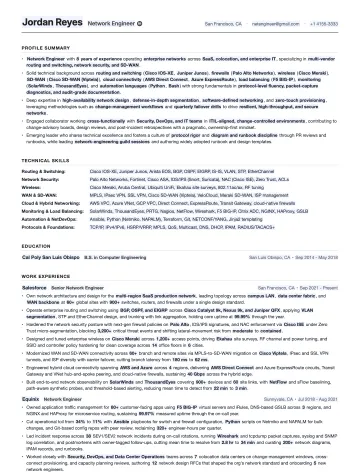
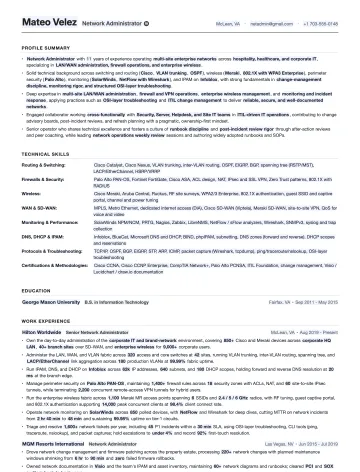
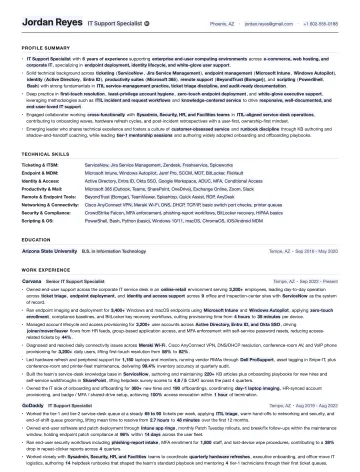
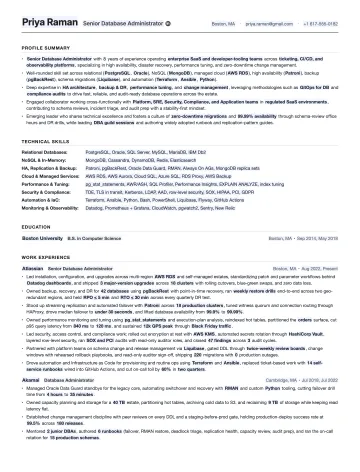
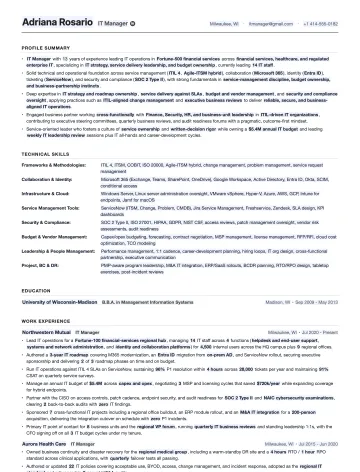
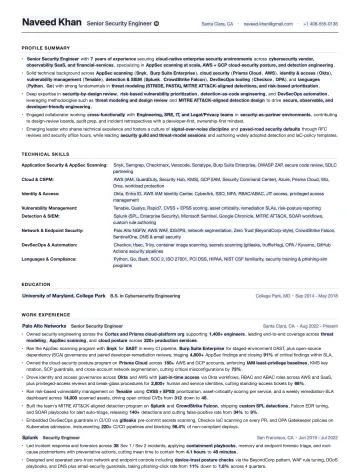
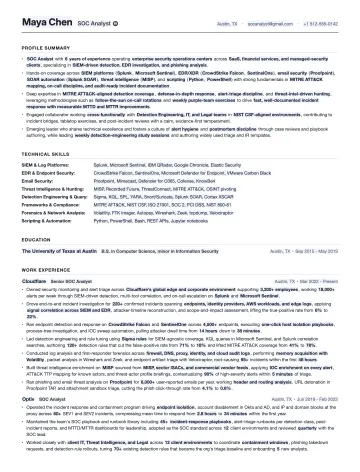
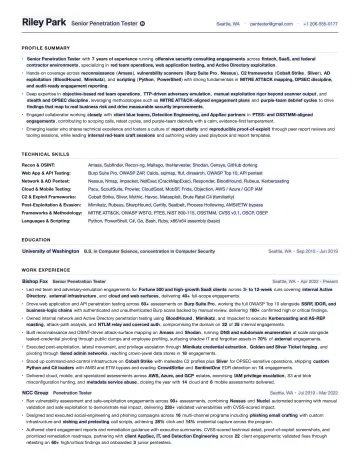
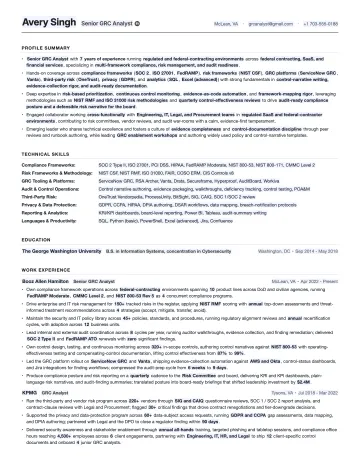
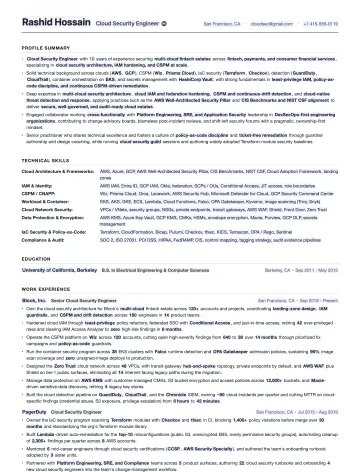
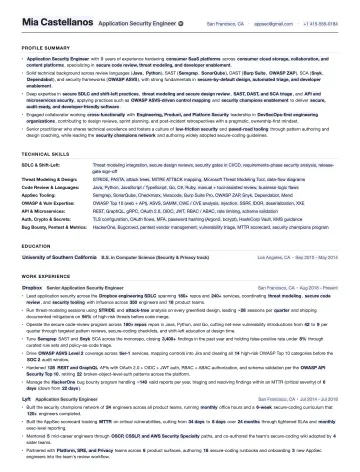
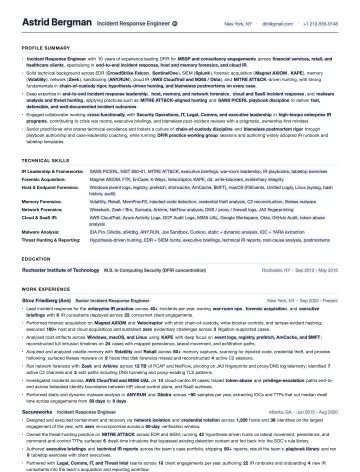
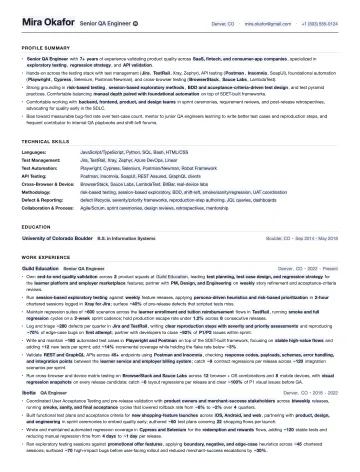
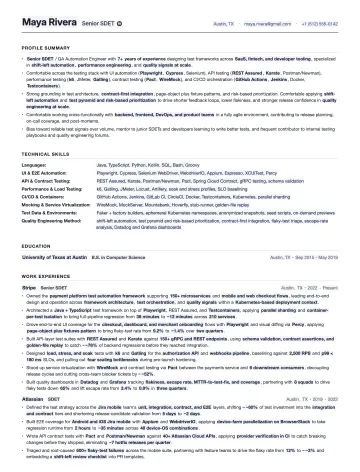
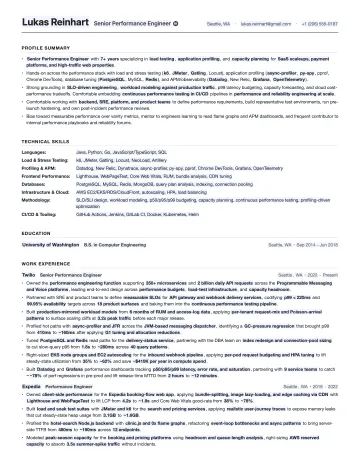
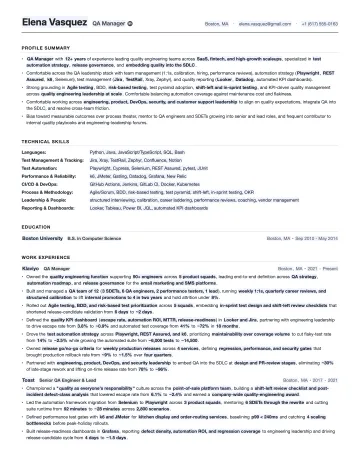
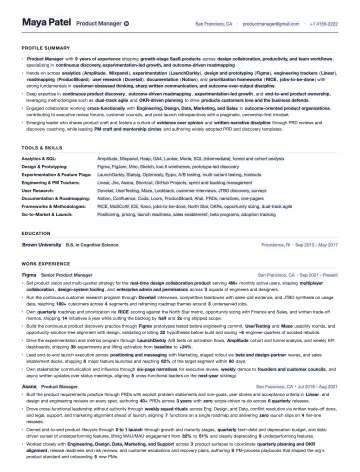
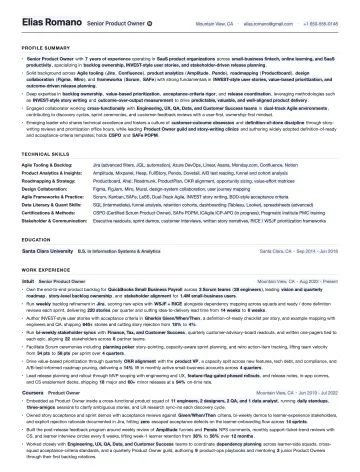
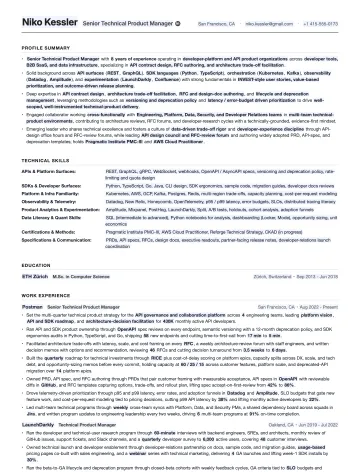
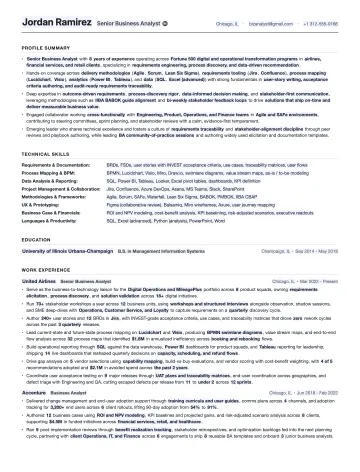
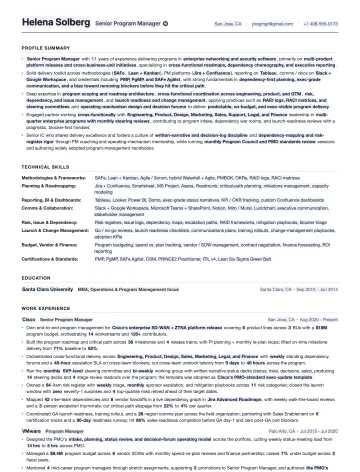
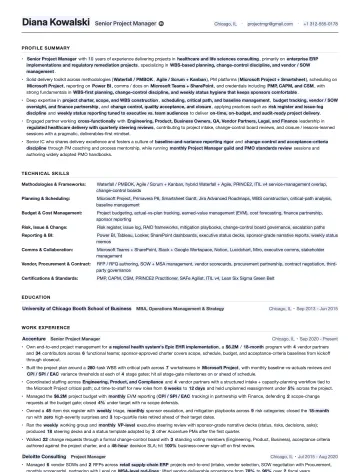
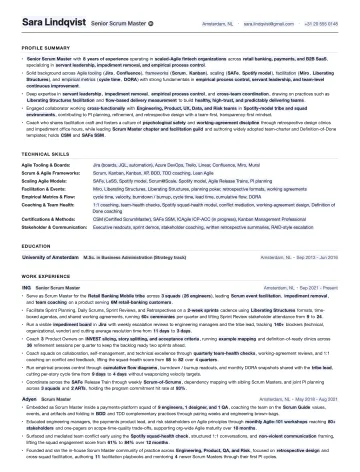
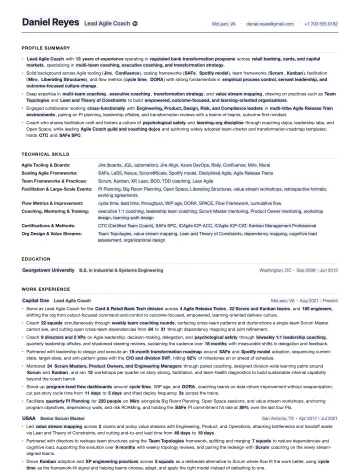
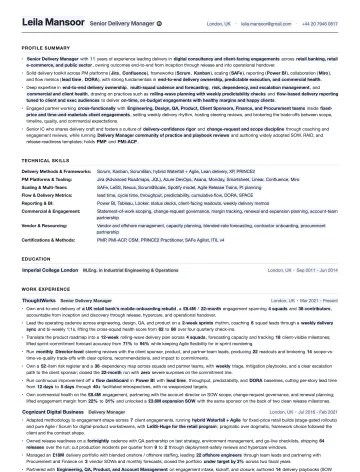
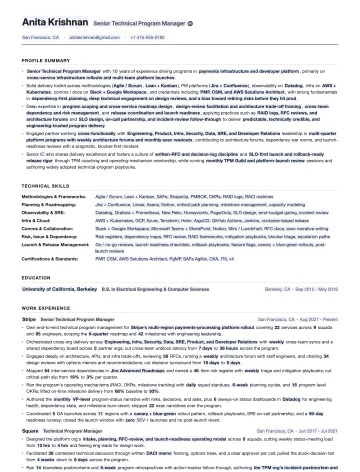
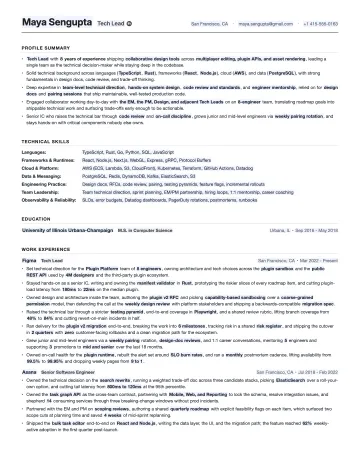
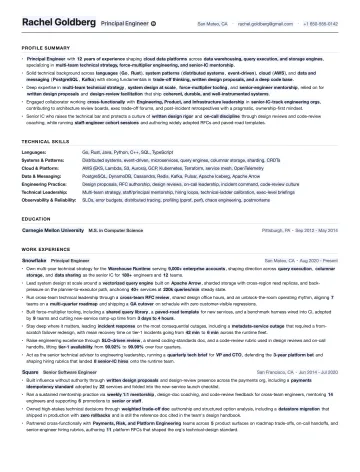
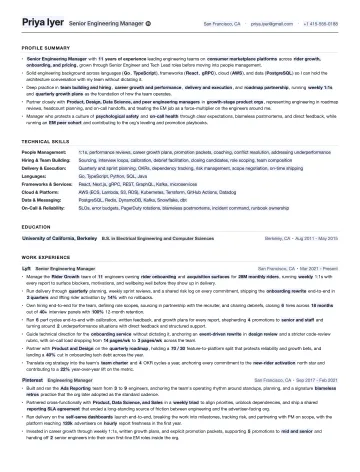
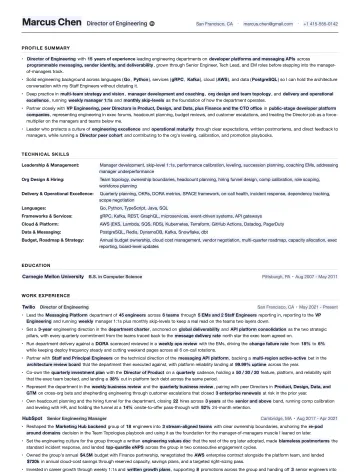
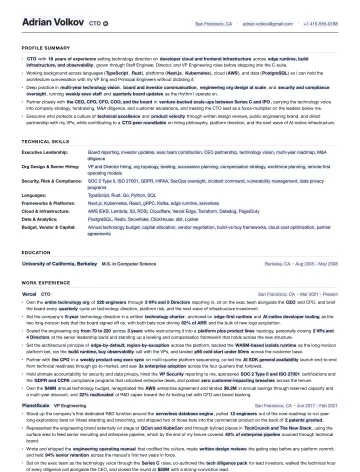
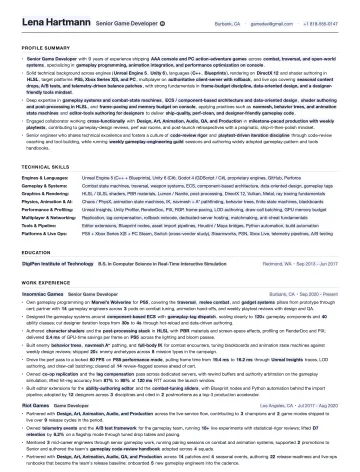
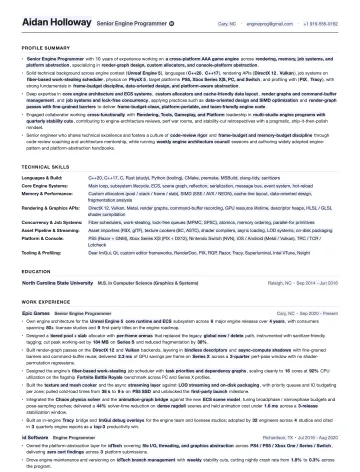
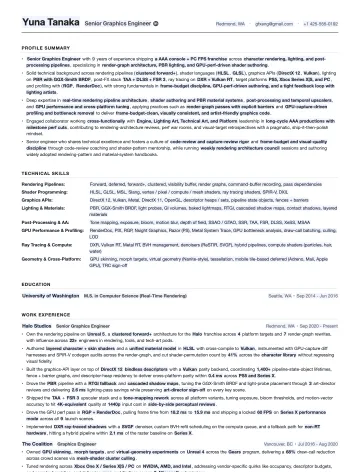
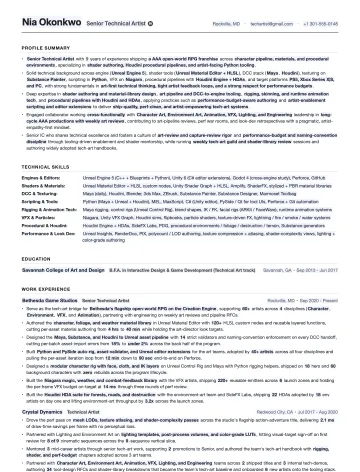
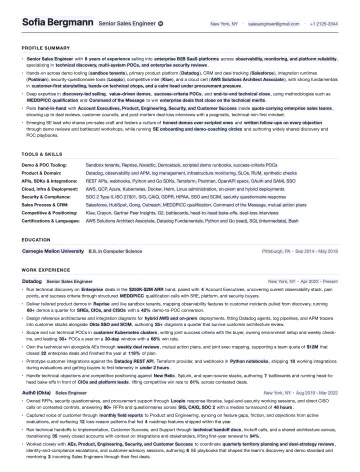
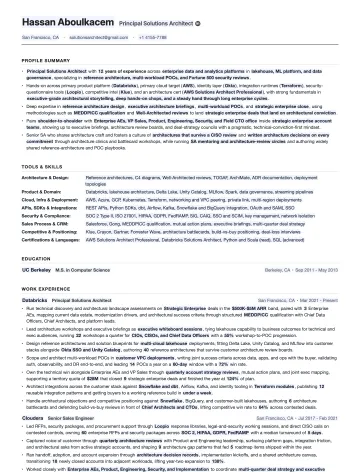
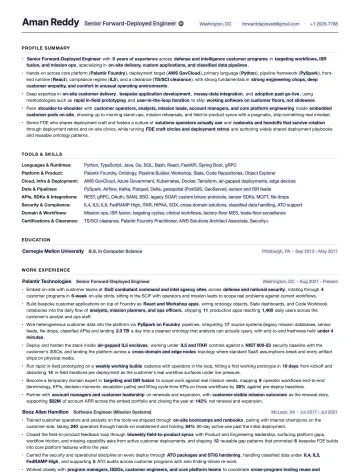
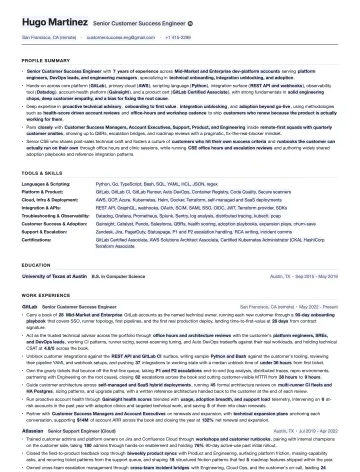
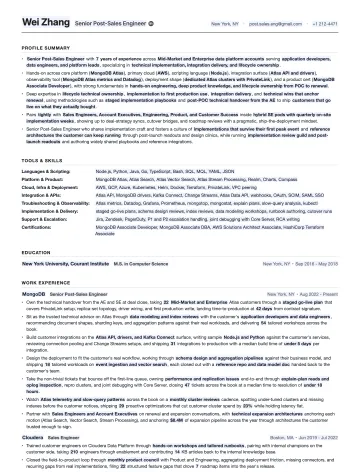
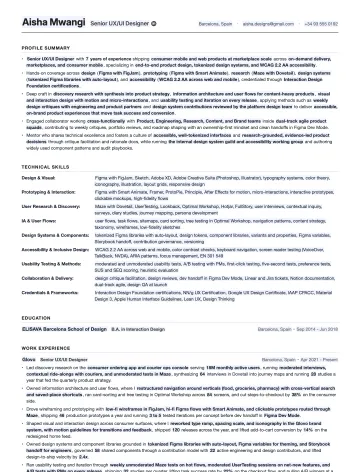
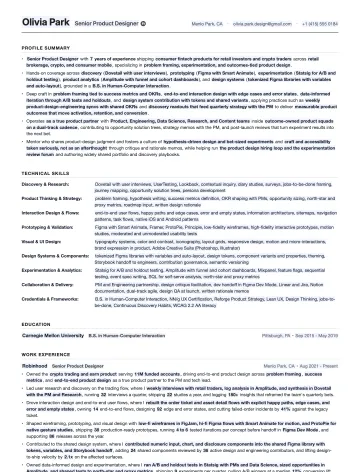
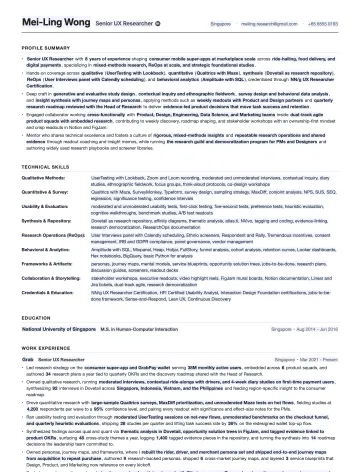
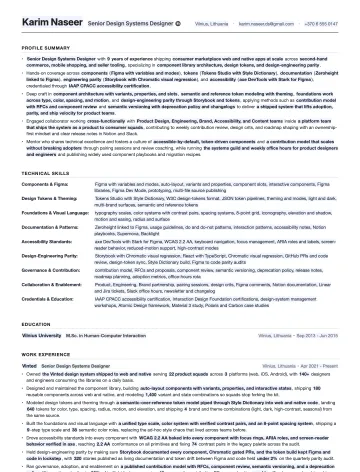
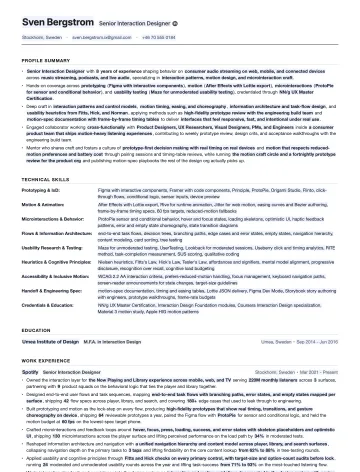
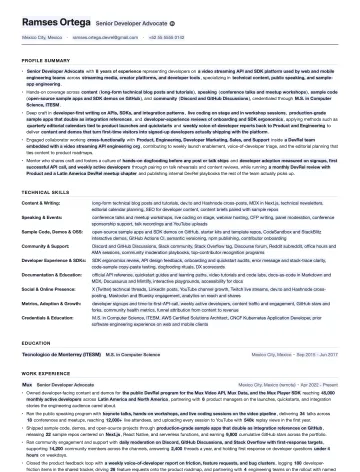
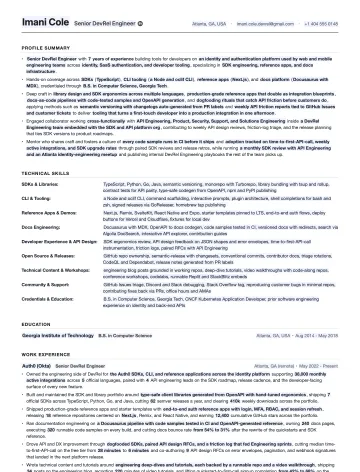
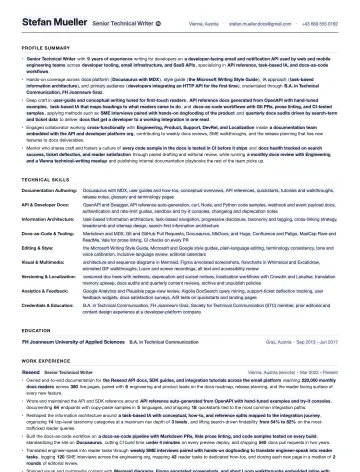
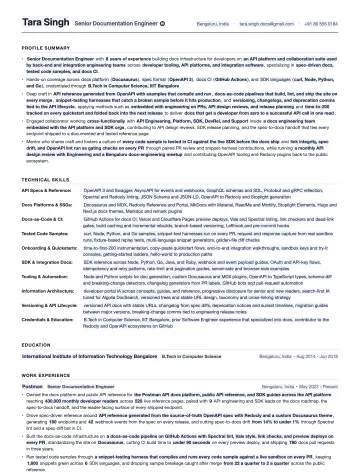
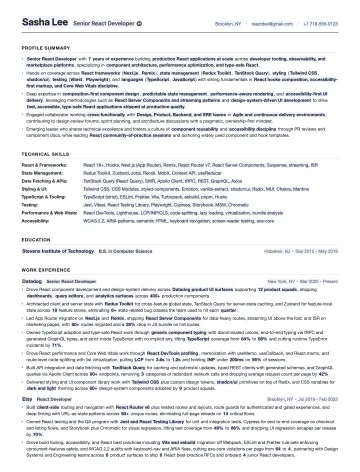
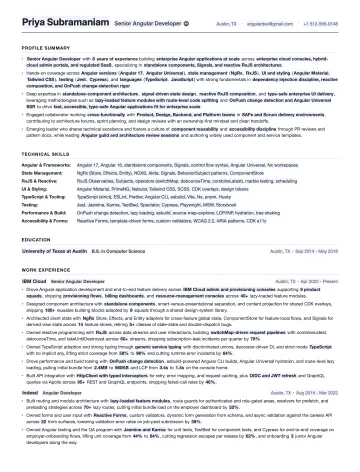
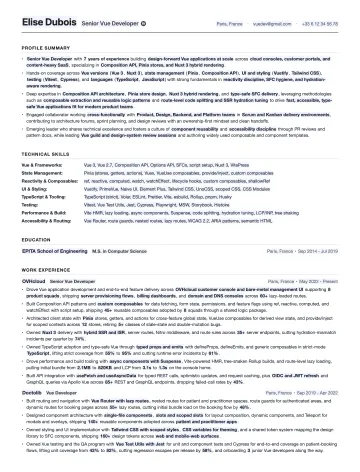
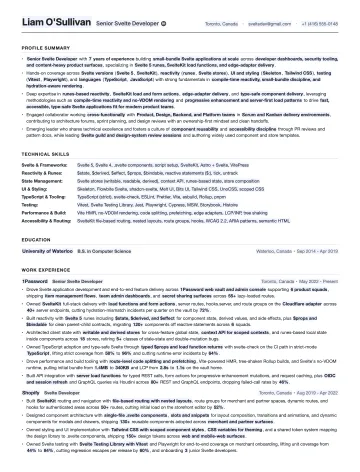
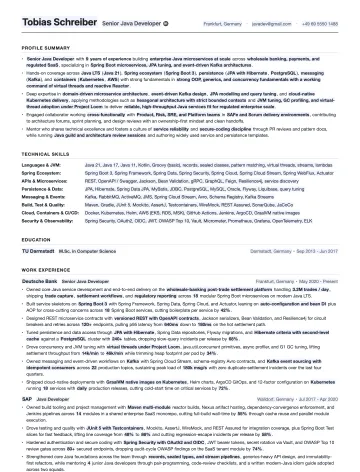
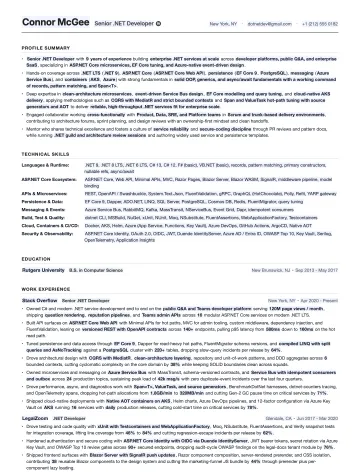
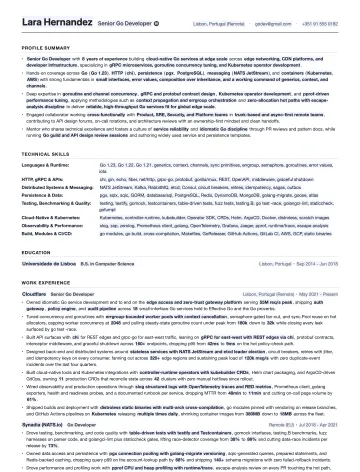
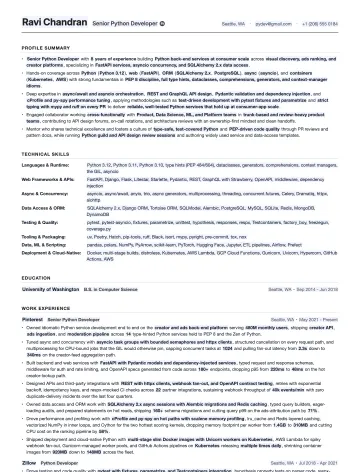
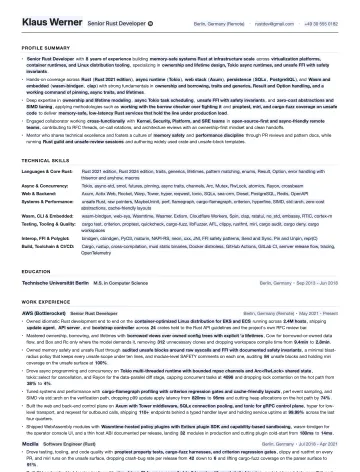
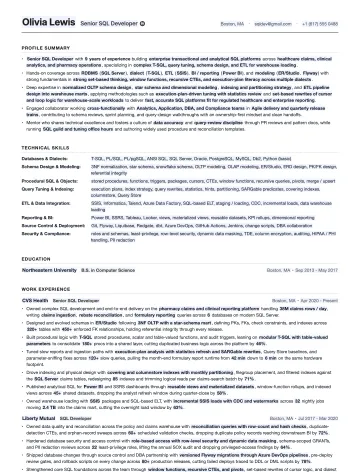
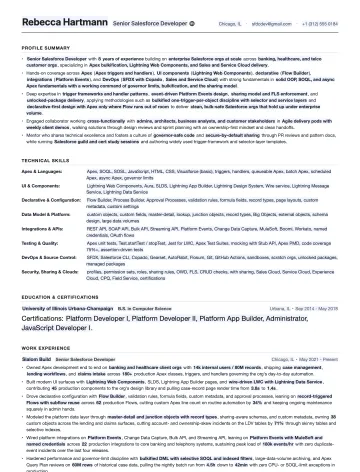
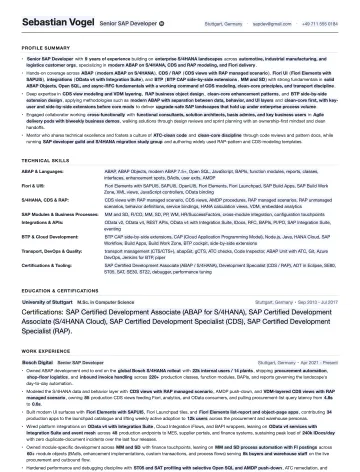
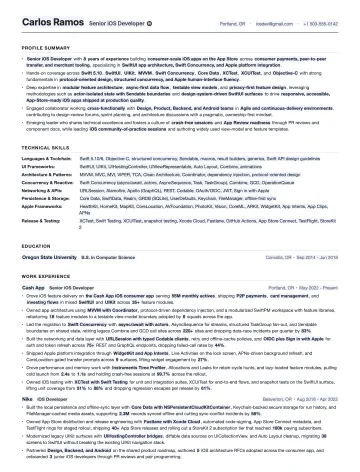
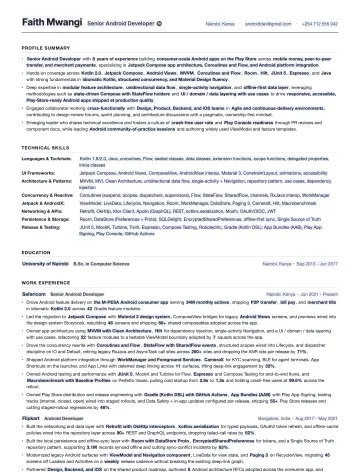
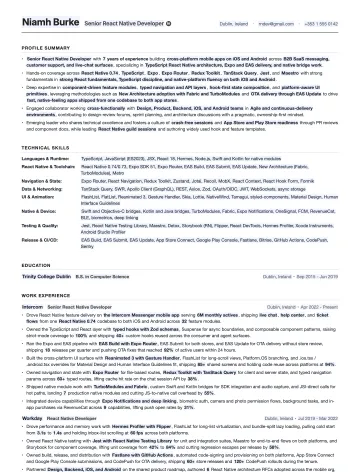
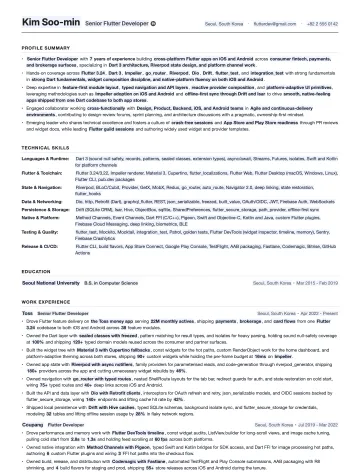
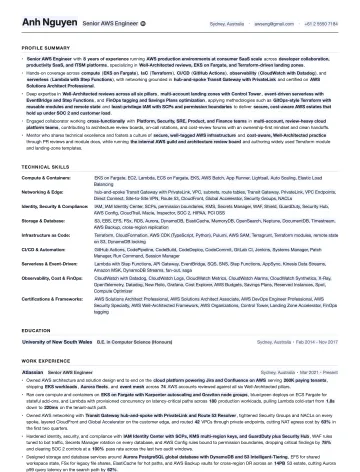
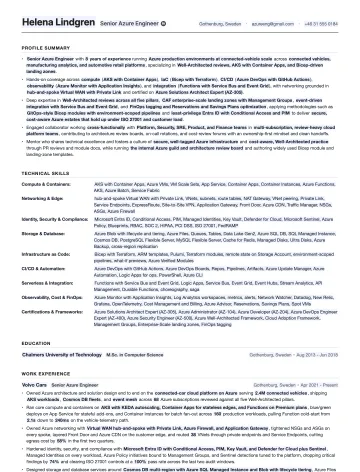
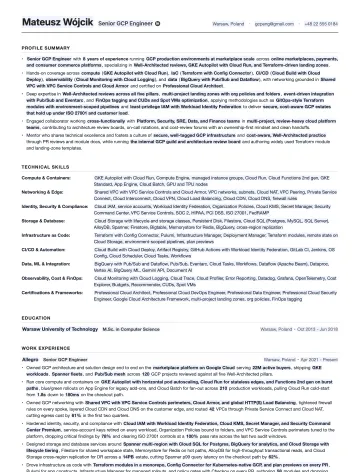
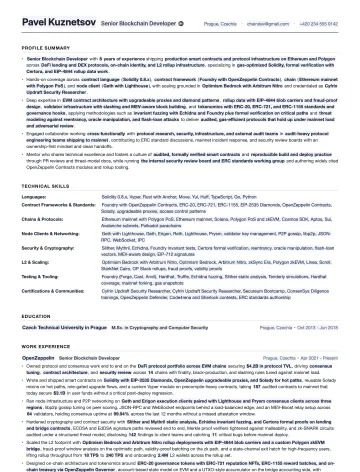
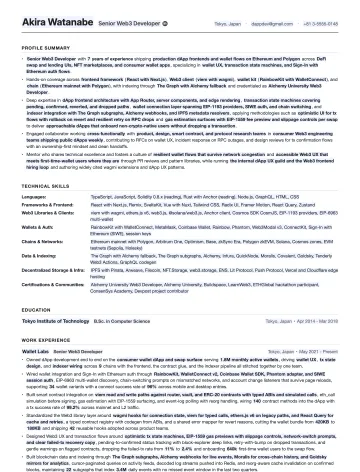
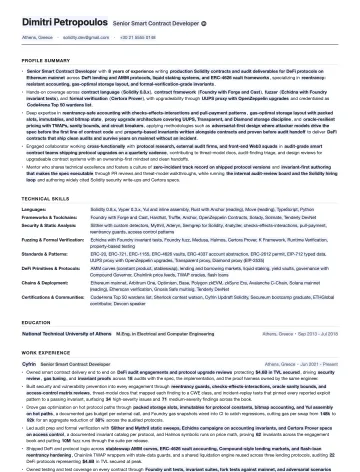
Data Engineer resume template preview AI Engineer resume template preview Forward-Deployed Engineer resume template preview: profile summary, tools and skills, education and work experience
Emmanuel Gendre Ex-Google recruiter / Tech resume writer Updated September 15, 2026 97 templates, free, ATS-friendly, no signup

What’s inside

What a tech resume template needs

All tech resume templates share the same structure, based on what recruiters expect for section names and order, content depth and format. Here’s what a good resume template should look like:

The Data Engineer resume template as it exports: profile summary, technical skills grid, education, then work experience with a number in every bullet
That’s the Data Engineer template. There are 96 more resume examples following the same structure.
  1. Profile Summary

    4 or 5 bullets at the top: title and years, your core stack, the scale you worked at, and one or two results with numbers. Recruiters read this first, and on a busy day it’s all they read.

  2. Tools & Skills

    A labeled grid, not a word cloud. Languages, frameworks, cloud, data, testing: each on its own line. The ATS matches the keywords, the recruiter reads the labels and knows in 5 seconds where you fit.

  3. Education

    Short. Degree, school, years. Certifications go here when the role cares about them (AWS, CKA, CISSP). No coursework lists once you have a first job.

  4. Work Experience

    Company, title, dates, then bullets that each carry a number: users, latency, cost, uptime, revenue. Your latest job gets the most bullets; older ones shrink to one or two.

What makes a resume template ATS Compliant

  • One column, no tables
  • Standard section names
  • 10 to 11 pt text
  • Saved as PDF

That is all the ATS needs to read your resume. Everything else is content.

Pick your role

Resume templates by tech role

14 families, 75 roles. Pick your family, then your role. Every card shows the real template, so you can tell at a glance whether it’s your kind of resume.

Software Engineering

Hardware & Firmware

Data, ML & AI

Cloud, DevOps & SRE

IT & Networking

CyberSecurity

Testing & QA

Product

Projects & Programs

Engineering Leadership

Game Development

Solutions & Sales Engineering

Design

Dev Rel & Documentation

Browse by tech stack

Resume templates by tech family

The same idea, sliced by stack. If your job title is a language, a framework or a platform (React, Java, iOS, AWS, Salesforce), your template is one of these 22.

Free resume review

A recruiter screen, but with feedback

You applied to hundreds of jobs: no result. Companies won’t give you feedback, so you’re stuck in a loop. Rejections will keep coming until you know what’s wrong.

Let’s break this cycle today!

I’ll screen your resume the same way I did at Google.

You’ll get:

  • Your resume sections and content scored.
  • A clear list of what to improve, why, and how.
  • Behind the scenes secrets on the screening process.

Resume examples

Tech resume examples by seniority

Obviously, the resume template on this page is a starting point. Your resume should look different based on your seniority. To give you a good idea of the differences, each resume template page includes a resume example for a junior, a mid-career and a senior profile.

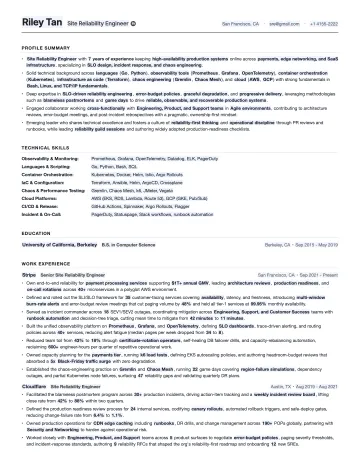
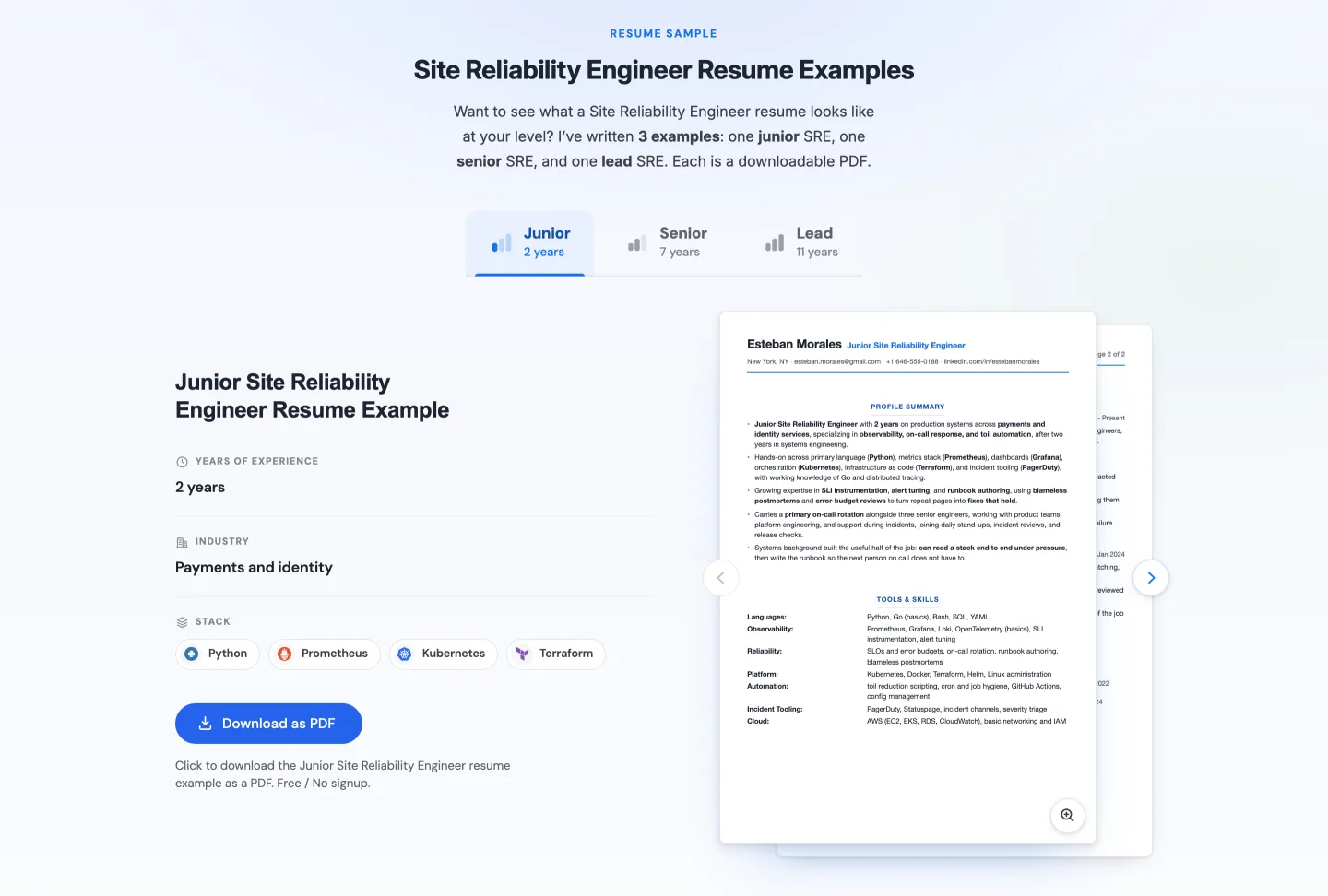
The resume examples block on the Site Reliability Engineer template page: junior, senior and lead tabs, the sample resume, years of experience, industry, stack, and a Download as PDF button
The examples block on the Site Reliability Engineer page: pick a level, read the sample, download the PDF.

File formats

PDF from the browser, or a blank Word template

You’ve got 2 options to download TechieCV’s resume templates: either directly as .pdf via the interactive template pages, or you can download a generic tech resume template as .docx. Your call!

PDF

Save as PDF, straight from the browser

Pick a template, fill in the side panel, click Download. Real vector text, US Letter, one column. It’s the format ATS software reads best.

No signup. Nothing is uploaded.

[ Job title ] [ Result with a number ] .docx

Prefer Word? Take the blank template

The same skeleton as a .docx: four sections, the labeled skills grid, right-aligned dates, and placeholders in brackets. Write in Word, export to PDF when you apply.

5 KB, no macros. Opens in Word, Pages and LibreOffice.

Quick tip about file format: Send a PDF unless the posting asks for something else. The long version is in which resume file format to use.

How the template works

Three steps, no account

  1. Step 1

    Pick your role

    Search above or open a family. Each template comes pre-filled for the role: the sections, the bullets, the skills grid, and a fictional but realistic career you can measure yourself against.

  2. Step 2

    Make it yours

    The side panel holds the placeholders: your stack, your tools, your numbers. Change a field and the resume updates as you type. Click Edit to rewrite any sentence in your own words.

  3. PDF Step 3

    Save as PDF

    One click, no watermark, no email gate. If you want a second pair of eyes, send the PDF back through the free review and I’ll read it myself.

Why 97 templates

Why one template per role beats a generic one

A Front-End Developer’s resume should talk about LCP, bundle size, and component reuse. A Data Engineer’s should talk about pipelines, throughput, and warehouses. A generic template gives you neither, so you end up writing from a blank page anyway.

Generic template
  • Same bullets for every job
  • Skills as a word cloud
  • Not a single number
Role-specific template
  • Bullets written for the role
  • A skills grid built for the stack
  • A metric in every bullet

Free resume review

A recruiter screen, but with feedback

You applied to hundreds of jobs: no result. Companies won’t give you feedback, so you’re stuck in a loop. Rejections will keep coming until you know what’s wrong.

Let’s break this cycle today!

I’ll screen your resume the same way I did at Google.

You’ll get:

  • Your resume sections and content scored.
  • A clear list of what to improve, why, and how.
  • Behind the scenes secrets on the screening process.

Frequently asked

Your Questions about the Tech Resume Templates, Answered

Yes. No signup, no email gate, no watermark, no paywall. Fill in your details and save as PDF directly from your browser. The templates are funded by my paid resume-writing service; the templates themselves are free for everyone.

Yes. Every template is single-column plain text in standard sections (Profile Summary, Technical Skills, Education, Work Experience). No tables, no images, no multi-column layouts. They parse cleanly in Workday, Greenhouse, and iCIMS. You can verify it yourself with our ATS Checker after exporting.

97 roles. 75 of them are grouped by what you do (software engineering, hardware and firmware, data, ML and AI, cloud, DevOps and SRE, IT and networking, cybersecurity, testing and QA, product, projects and programs, engineering leadership, game development, solutions and sales engineering, design, DevRel and documentation) and 22 are stack-specific (React, Angular, Vue, Svelte, Java, .NET, Go, Python, Rust, SQL, Salesforce, SAP, iOS, Android, React Native, Flutter, AWS, Azure, GCP, blockchain, Web3, smart contracts). If your exact title is missing, pick the closest role and change the title: the structure is the same.

Yes. The IT & Networking family holds the IT resume templates: system administrator, network engineer, network administrator, IT support, database administrator and IT manager. The engineering families hold the software, hardware, data, cloud and security engineer resume templates. Same editor, same export, for all of them.

There is a blank .docx of the same skeleton in the file formats section: four sections, labeled skills grid, right-aligned dates, placeholders in brackets. There is no Google Docs version, and I would not send a Docs link to a recruiter anyway. Write in Word or in the browser, then send a PDF.

One page under about 5 years of experience, two after that. Nobody reads page three. If you are over two pages, cut the oldest roles to one line each before you touch anything else.

A Front-End Developer’s resume should highlight LCP, bundle size, and component reuse. A Data Engineer’s should talk about pipelines, throughput, and warehouses. Generic templates produce generic content; role-specific structures force you to be specific where recruiters actually look.

Yes. Each template has an Edit mode: click Edit above the resume, then click any sentence to rewrite it. The placeholders driven by the side panel still update live; everything else is yours to change.

No. Recruiters care about content (relevant skills, level signal, measurable results), not whether the layout came from a template. What hurts is a template with weak content. These templates were structured by a former Google recruiter; the placeholders force you to be specific where it matters.

No. Everything happens in your browser. There is no server round-trip, no analytics on field values, no email capture on the templates themselves. Close the tab and your data is gone. If you want a human review, you can submit your PDF via the free review form on each role page.

Yes. Use the free review form on this page or at the bottom of any role template. Submit your filled-in PDF and I will personally review it, line by line. Free, no obligation.

More resources

Other Tech Resume Resources

Service

Tech Resume Writing Service

If you'd rather have me write it. 4.9 stars on Fiverr, 419 reviews.

Resume Guides

Tech Resume Writing Guides by Role

The full walkthrough from format to skills, one guide per tech role.

Skills

Resume Skills & ATS Keywords by Role

The exact stack and ATS keywords that pass the screen in 2026, per role.

Resume Metrics

Resume Metrics by Role

Which numbers to put on your resume: benchmarks for what's average, good, and great.

Tool

Free ATS Checker

Upload your resume and see what an ATS actually parses (and silently drops).

Cover letters

Tech Cover Letter Generators

Free generators that write your cover letter per role, then export a clean PDF.